










Dynamics 365 Business Central · Utrecht

Business Central extensions that survive the next upgrade.

Custom development, upgrades and shop-floor integrations for Microsoft Dynamics 365 Business Central. Apps on Microsoft AppSource, built by one architect and a crew of AI agents.

Active in Navision, Dynamics NAV and Business Central since 2004. One product, three names.

4 apps on AppSource13 AI agents on the team
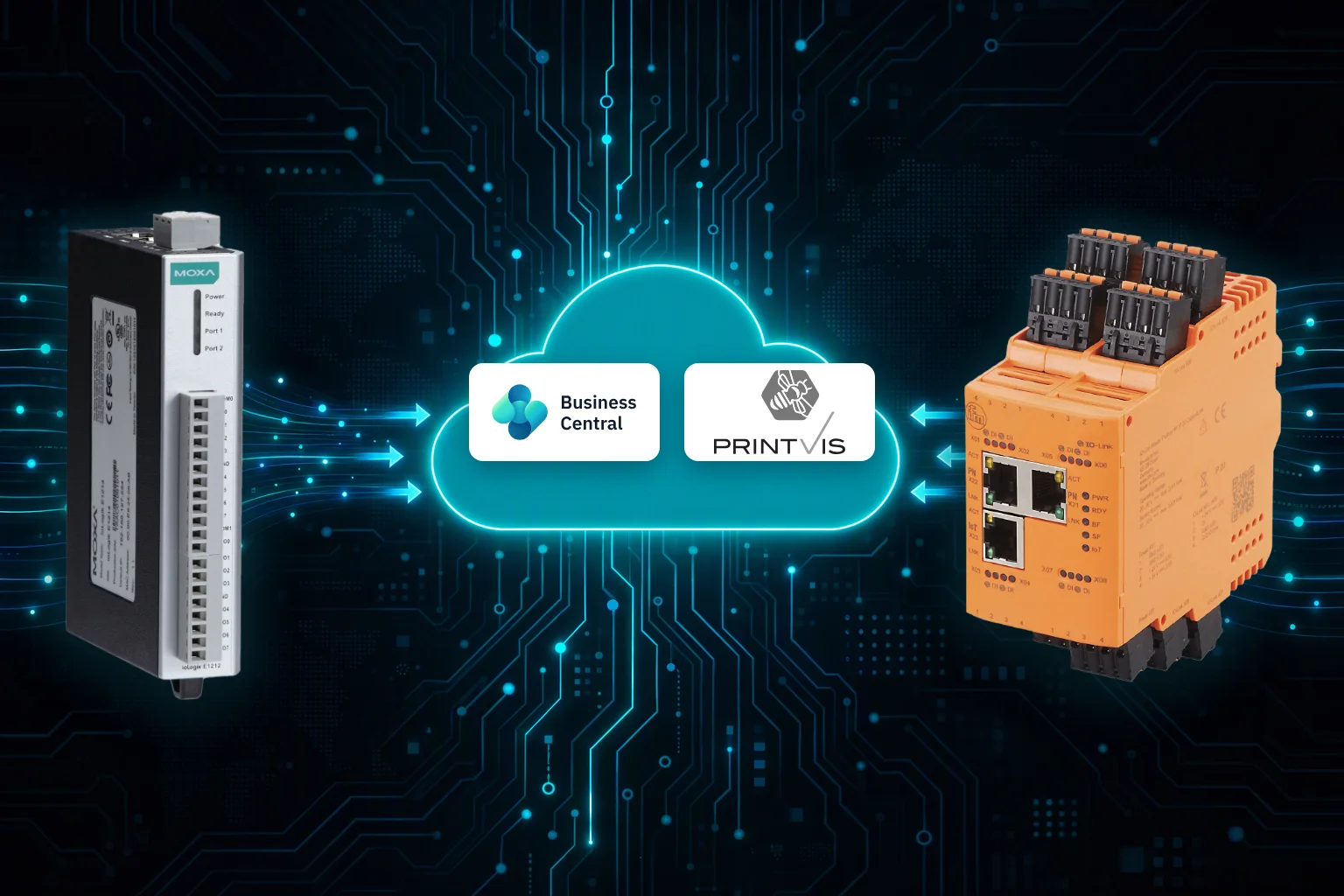
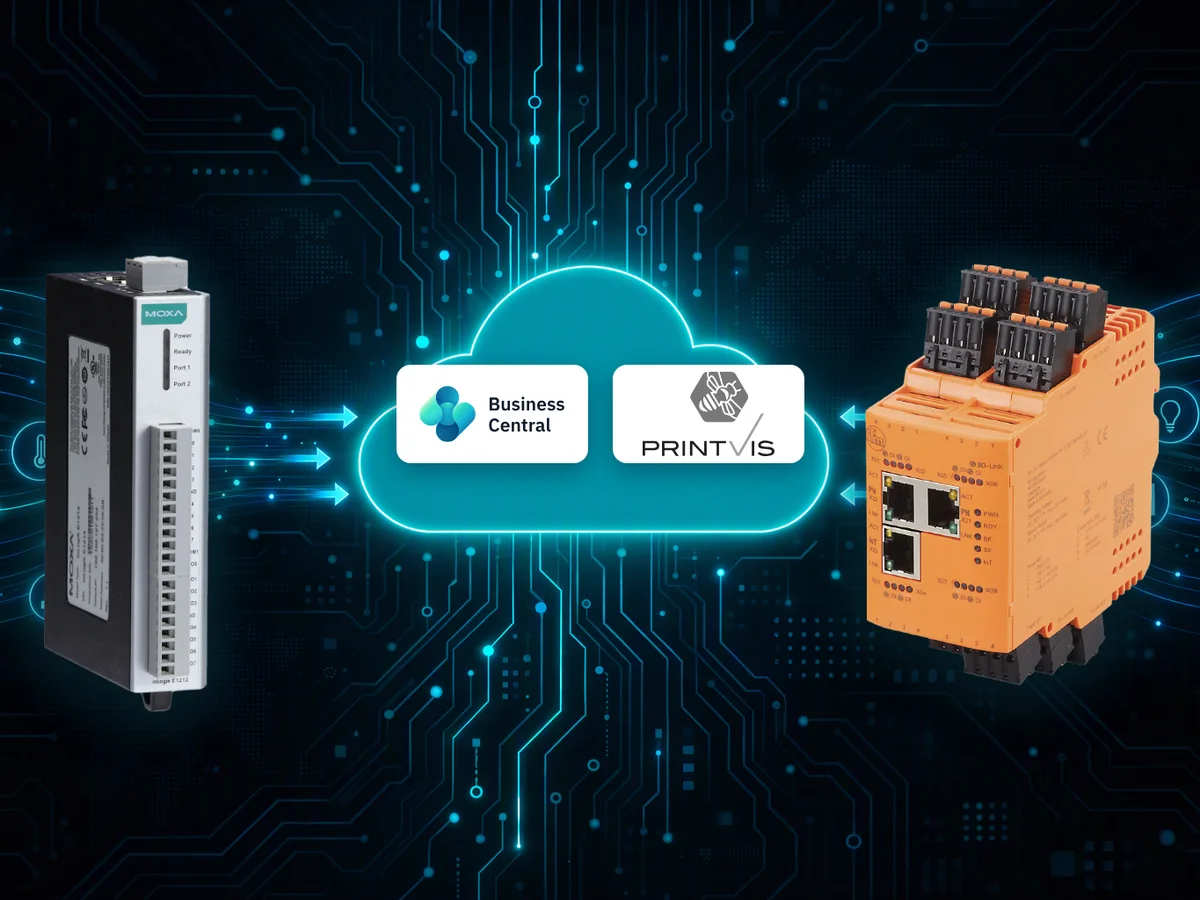
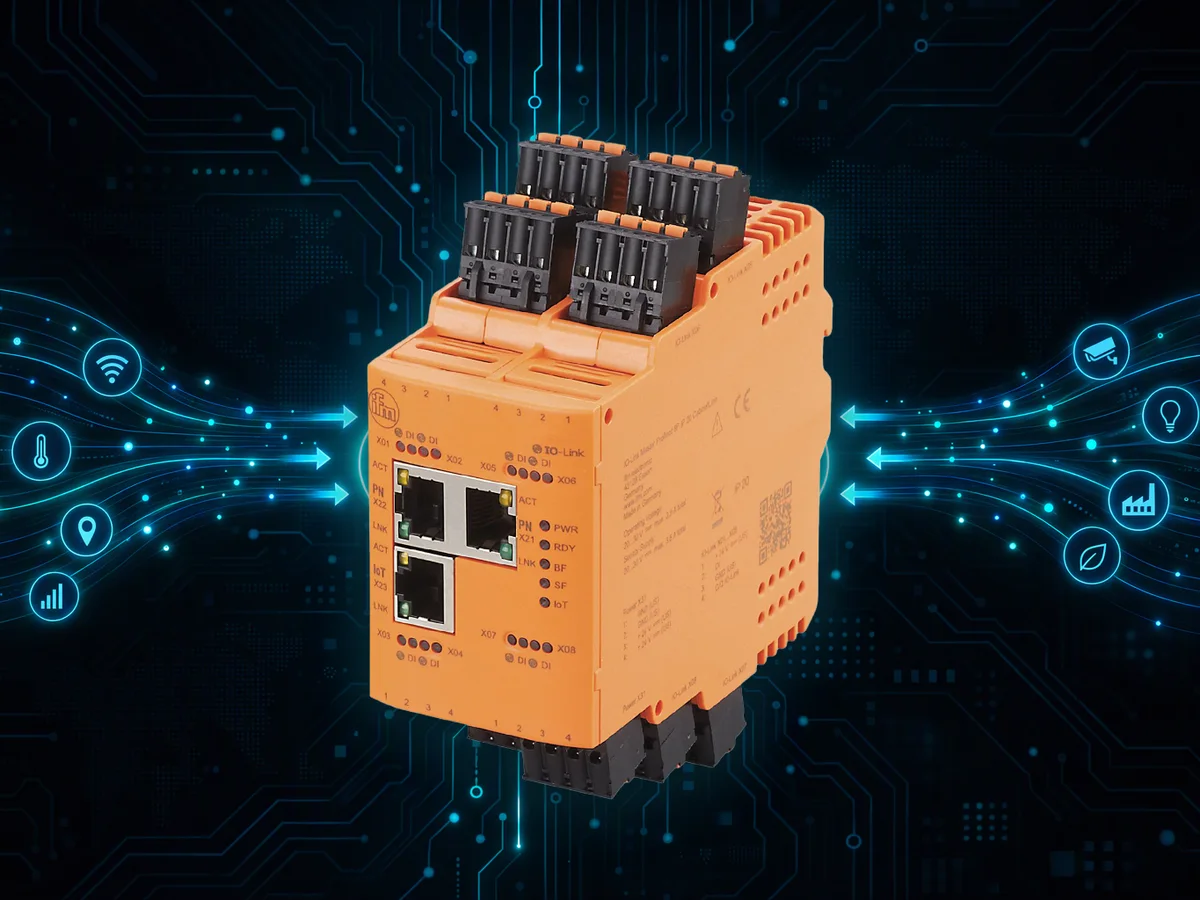
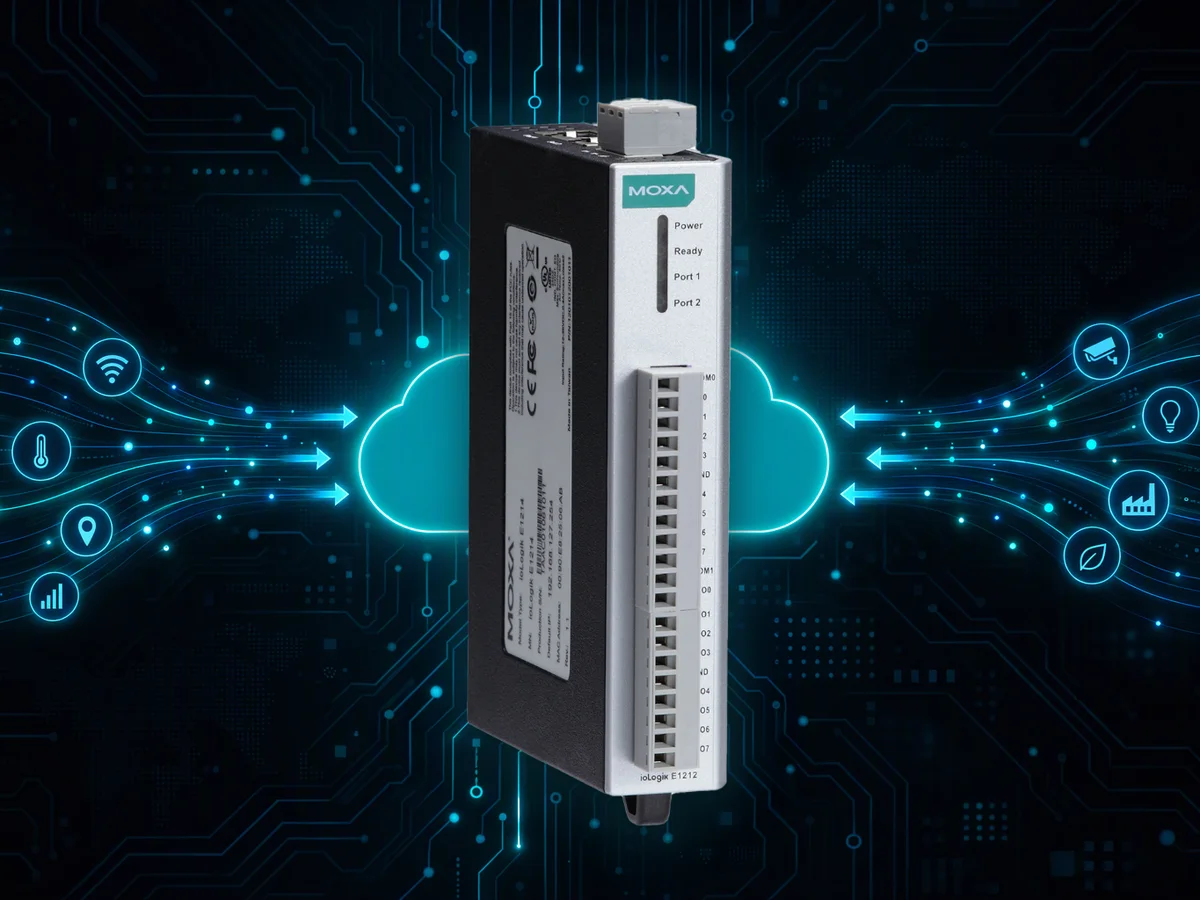
Moxa and ifm IoT devices send their signals through the cloud to Business Central and PrintVis
Works with PrintVis Moxa ifm electronic
What we do

From a small extension to a full migration.

Custom development

AL extensions for Business Central, built per tenant or for AppSource. We first check whether standard functionality already does the job, and only then write code.

Upgrades & migration

From Dynamics NAV or an older Business Central to the latest version, on-premises or in Microsoft's cloud. Your customizations come along as clean extensions.

Integrations

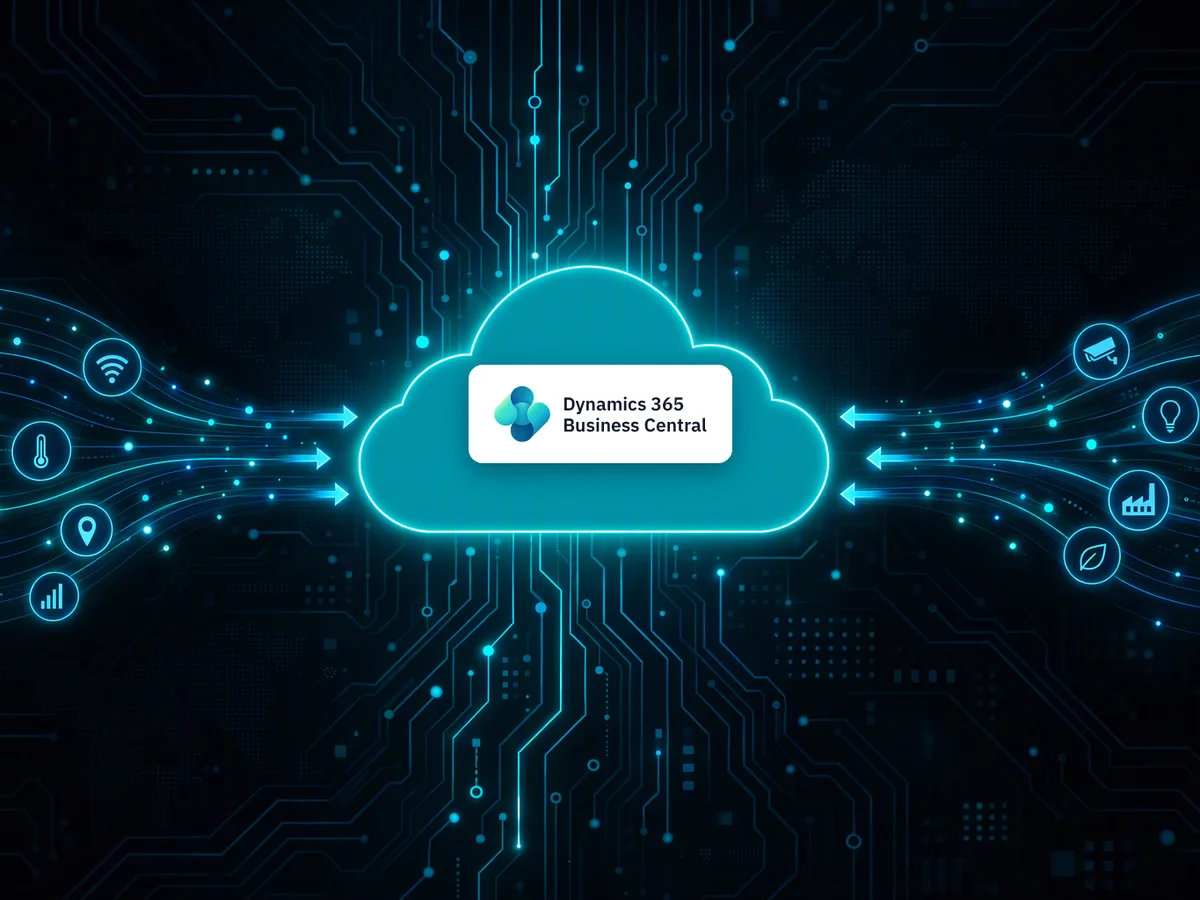
Business Central connected to other systems, machines and services: APIs, Azure IoT Hub, Azure Functions, Power Platform and PrintVis.

Agentic coding

AI agents write the code. A human signs it off.

Our daily development runs on a crew of specialised AI agents: one builds, one reviews, others triage, release and document. They are not off-the-shelf bots: every agent is built on my own Business Central experience. You still talk to a person.

  • Built on real expertise. Each agent is briefed with how I work: my coding standards, architecture choices, review checklists and product knowledge of Business Central and PrintVis. The AI models bring the horsepower, the know-how is mine.
  • Test-driven, then reviewed. The tests are written first, then the code that makes them pass: red, green, refactor. A second agent reviews every change before anything can merge.
  • Humans decide. Agents never merge. A person accepts the work, starts the build and presses merge.
  • Traceable. Reports, labels and review verdicts live in GitHub, so every fix has a paper trail from report to release.
Coder, AI agent
Coder
Reviewer, AI agent
Reviewer
Analyst, AI agent
Analyst
Designer, AI agent
Designer
Triage, AI agent
Triage
Support, AI agent
Support
Docs, AI agent
Docs
Orchestrator, AI agent
Orchestrator
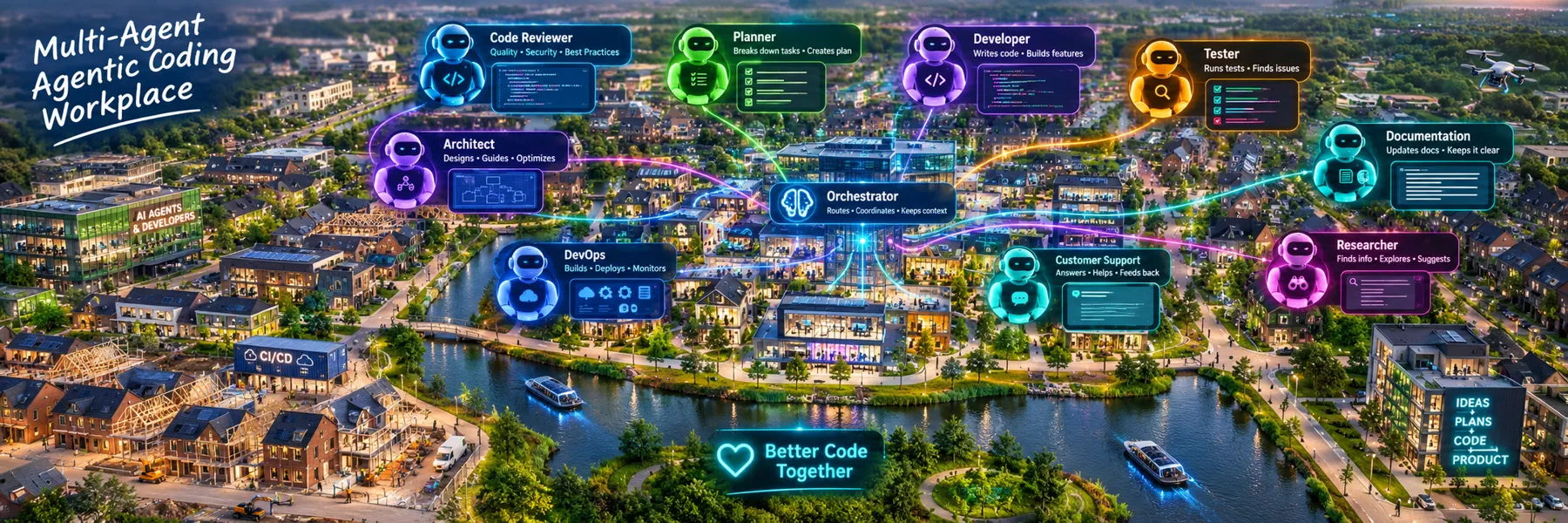
Illustration of a multi-agent agentic coding workplace: code reviewer, planner, developer, tester, architect, documentation, DevOps, customer support and researcher agents around an orchestrator
News & releases

What is new.

The latest app release comes straight from the release notes, so this page is always current.

Latest release
28.5.264

Quantity registration per operation type, license counting per physical device and clearer captions and tooltips.

  • IoT-2-PrintVis Connector: new IoT Quantity Registration with a mode per unit of measure, extra work code or work code button. The license is counted per physical IoT device.
  • Adapter - ifm moneo: corrected title of the adapter setup page.
  • IoT Link: removed a leftover debug message during license validation.
News

New website is live!

Welcome to the new 1vision365.com: a fresh look, clearer product pages for IoT Link and the IoT-2-PrintVis Connector, and a closer look at how we build with agentic coding.

Explore the apps

Meet the agent crew

Our daily development now runs on a crew of AI agents, with a person deciding what ships and merging it. Read how the work flows from report to release.

Agentic coding

Moxa-2-PrintVis is now an adapter

The former Moxa-2-PrintVis app has been replaced by the IoT-2-PrintVis Connector, with one adapter for Moxa and one for ifm moneo.

See the Connector and adapters
Approach

Ask why before writing code.

Standard first
Does Business Central already do this, or something close enough? Often it does.
Small and reusable
If code is needed, it stays as small as possible and can serve more than one customer.
Light on base code
We touch as little standard behavior as we can, so Microsoft's updates keep flowing.
Upgradable
Every extension is written for the version after this one.
Contact

Tell us what your Business Central should do next.

A question, an upgrade you keep postponing or a machine that should talk to PrintVis. Send a short message and you get a personal reply.

info@1vision365.com