
 App · Azure IoT
1Vision IoT Link
The generic IoT solution for Business Central. It receives messages from IoT devices through Azure and processes them in Business Central. Other 1Vision365 apps, such as the IoT-2-PrintVis Connector, build on it.
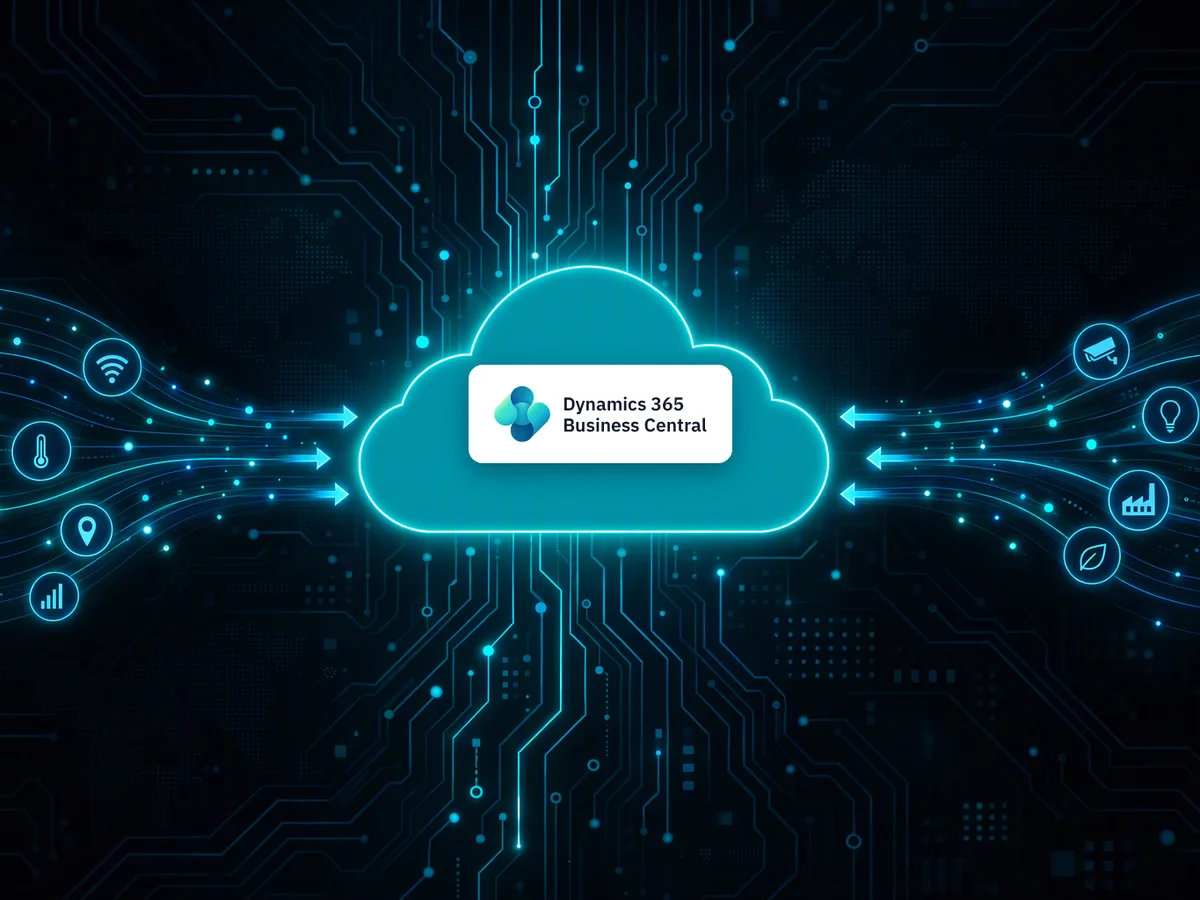
From device to Business Central in four steps.
- Device sends a signalThe IoT device sends its signal to an Azure IoT Hub.
- Service Bus queues itAzure Service Bus queues the message.
- Function App routes itAn Azure Function App picks it up and routes it to the right Business Central environment.
- Business Central receives itThe IoT Signal API takes the message and passes it on to the apps that process it.
The plumbing, done properly.
Receive IoT messages
Messages from your devices arrive through the IoT Signal API with message ID, location code, source system, device ID and the device payload.
Dynamic routing
Endpoints describe your Business Central environments. Routing rules match a signal on source system and device tag or path. Use several environments per customer.
Setup wizard
The wizard creates the Azure resources in the subscription you choose: IoT Hub, Service Bus, Function App, storage and monitoring.
Connection monitoring
A heartbeat watches the connection between Business Central and Azure and shows Connection Lost when it stops.
IoT Hub Events
Browse every received event with timing and content. Business Central removes old events automatically.
Provisioning log
Follow the creation of each Azure resource, including the last Azure error, and clean up an unfinished setup.
Build your own subscriber.
IoT Link delivers every message to an implementation of the 1VIS IoT Device Provider interface. Write a codeunit that implements it, and your own AL code receives the device ID and the JSON payload.
interface "1VIS IoT Device Provider"
{
    procedure HandleIoTHubEvent(IotDeviceId: Text[80]; var JsonMessage: JsonObject)
}codeunit 50000 "PTE IoT Device Provider" implements "1VIS IoT Device Provider"
{
procedure HandleIoTHubEvent(IotDeviceId: Text[80]; var JsonMessage: JsonObject)
var
TagIdNotFoundError: Label 'Property %1 not found in JSON object';
TagId: Label 'SOMETAG';
begin
if JsonMessage.Contains(TagId) then begin
// Do something with the message here
end else
Error(TagIdNotFoundError, TagId);
end;
}The example checks that the expected tag is present in the message and raises an error if it is not. Replace the comment with your own processing: post a journal, update a record, start a job.
Good to know
- Publisher
- 1Vision365
- Business Central
- Version 28.0 or later
- Azure
- An Azure subscription where the wizard can create resources, and an Azure app registration
- Licensing
- Per company, in three plans by daily message volume: Small (under 200,000), Medium (200,000 to 500,000) and Max (over 500,000). Enforced in production only.
- Data
- Everything runs in your own Azure subscription and Business Central tenant. 1Vision365 never sees your signals.
Using it with PrintVis?
Add the IoT-2-PrintVis Connector and an adapter for your devices to get live counters on the electronic job ticket.
Questions about IoT in Business Central?
Tell us what your devices send and what Business Central should do with it.
info@1vision365.com