1Vision IoT-2-PrintVis Connector app iconApp · PrintVis

1Vision IoT-2-PrintVis Connector

Connects the 1Vision IoT solution to PrintVis. It receives signals from IoT devices, such as counters and on/off switches on a machine, and uses them in PrintVis. The operator sees live counter and speed information on the electronic job ticket.

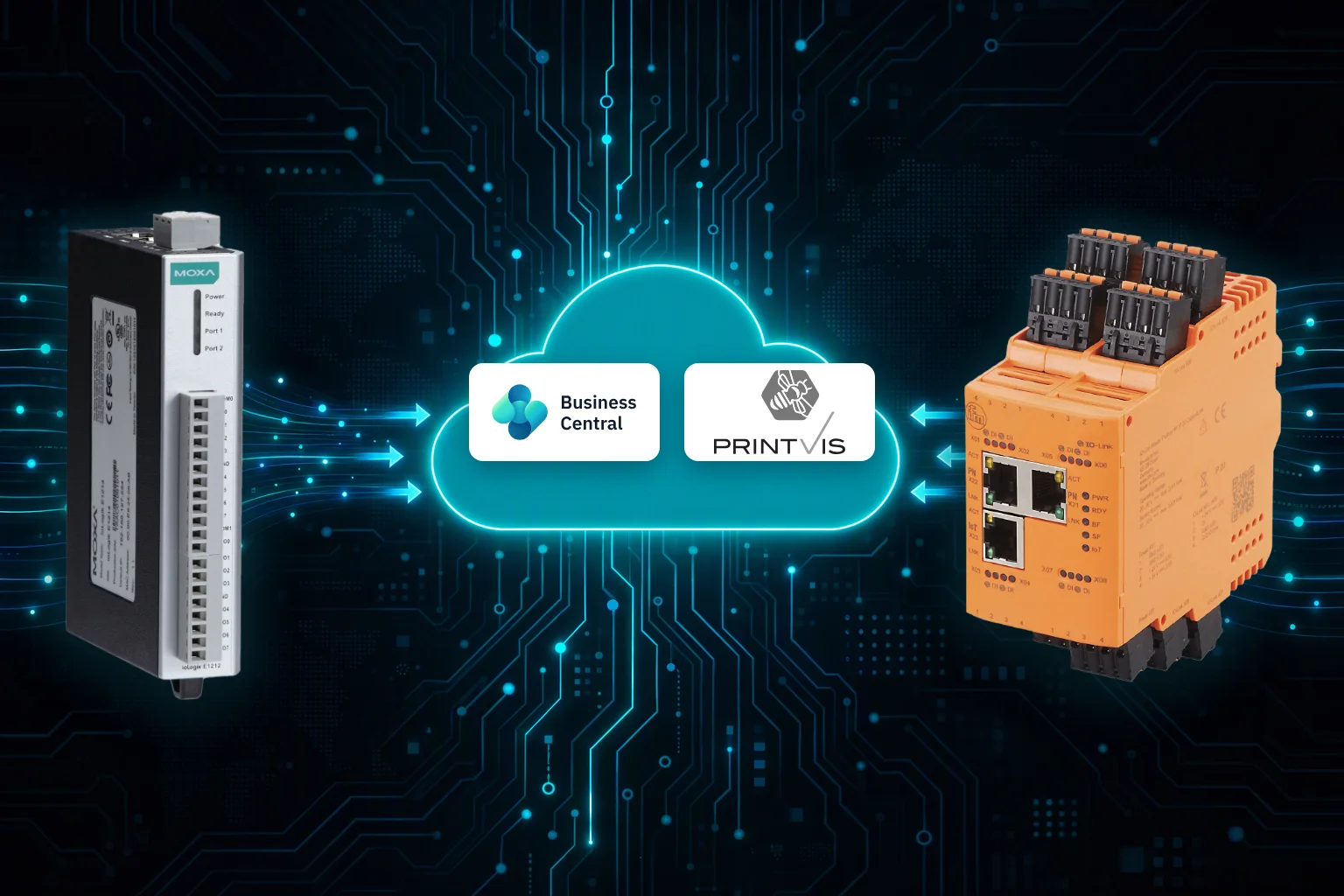
Moxa and ifm devices send signals through the cloud to Business Central and PrintVis
How it works

From machine to job costing.

Particularly interesting when your machines have no intelligent communication like JDF/JMF. Devices push their signals through Azure, so Business Central does not have to poll every device.

  1. Adapter translatesA device adapter reads the signals IoT Link receives and translates them for the connector.
  2. Signal meets deviceThe connector links each signal to a CIM controller and CIM device in PrintVis.
  3. Job ticket updatesCounter signals update the counter on the electronic job ticket. Switch signals select the work code.
  4. Idle time is costedWhen the machine stands still, the connector registers the idle time as shop floor and job costing entries.
What it does

Machine time you can account for.

Live counter on the job ticket

The operator sees current operation, total job, speed in sheets per minute and start and current counter, with warnings when a counter is offline.

Idle time becomes job costing

A standstill creates a shop floor entry in the background. Inside the grace period nothing is asked. Outside it, the operator adds the reason, and the job cannot complete before that.

Automatic switch to production

When the machine stays above a speed threshold for a set time, the job switches from setup to production without a click.

Quantity registration modes

Decide per unit of measure or work code whether a counted quantity is registered, discarded, zeroed or carried over.

Switches select work codes

Combinations of on/off switches on the machine map to work codes through the device input mask.

Licensed per CIM device

The license is counted per PrintVis CIM device. Status lines of CIM devices that no longer exist are cleaned up automatically.

Device adapters

Pick the adapter for your hardware.

The Connector needs one adapter per device family. Adapters are free to install.

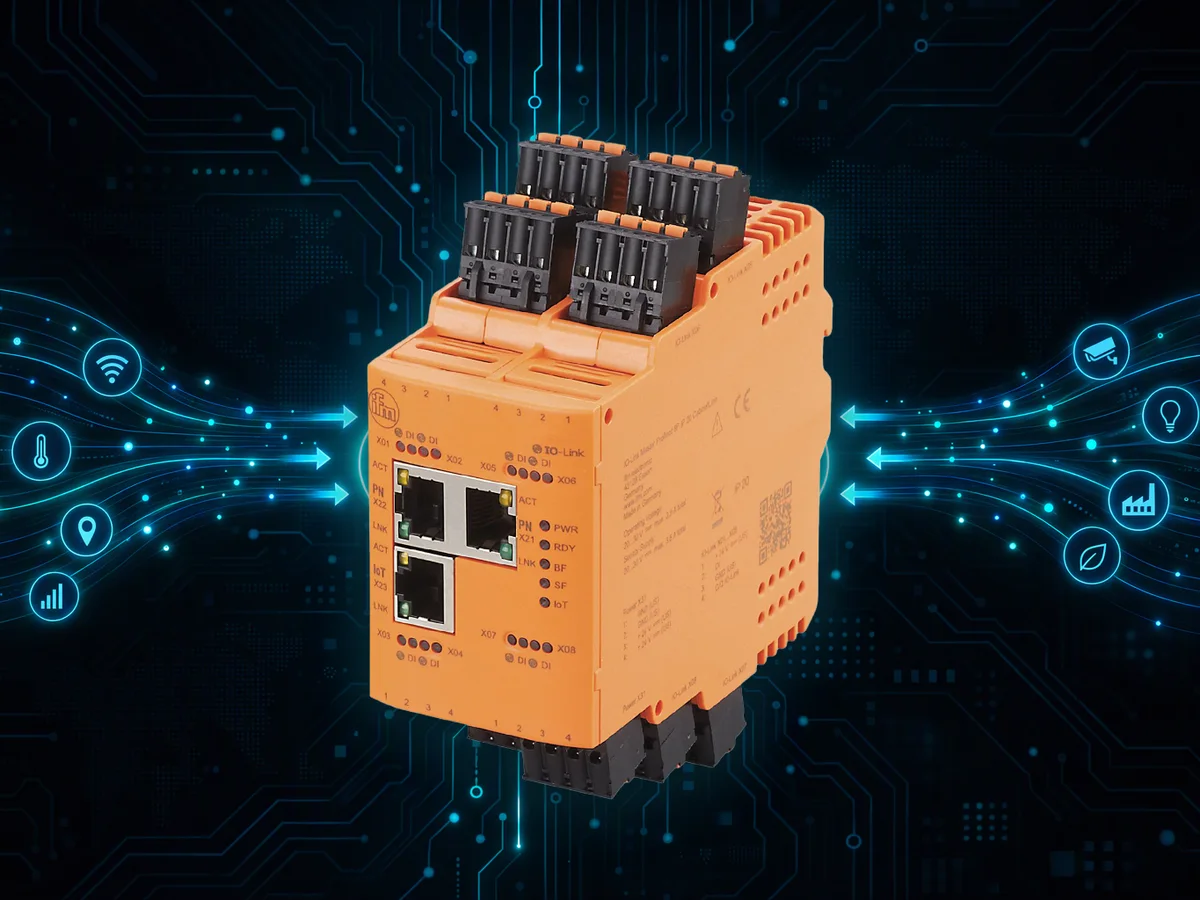
ifm moneo device
ifm electronicIoT-2-PrintVis Adapter ifm moneo app icon

1Vision IoT-2-PrintVis Adapter – ifm moneo

Connects ifm moneo devices to PrintVis. It translates the messages of ifm moneo into signals the Connector understands, such as counter values and their timestamps. A controller is marked offline when no signals arrive within the maximum idle time you set.

Moxa device
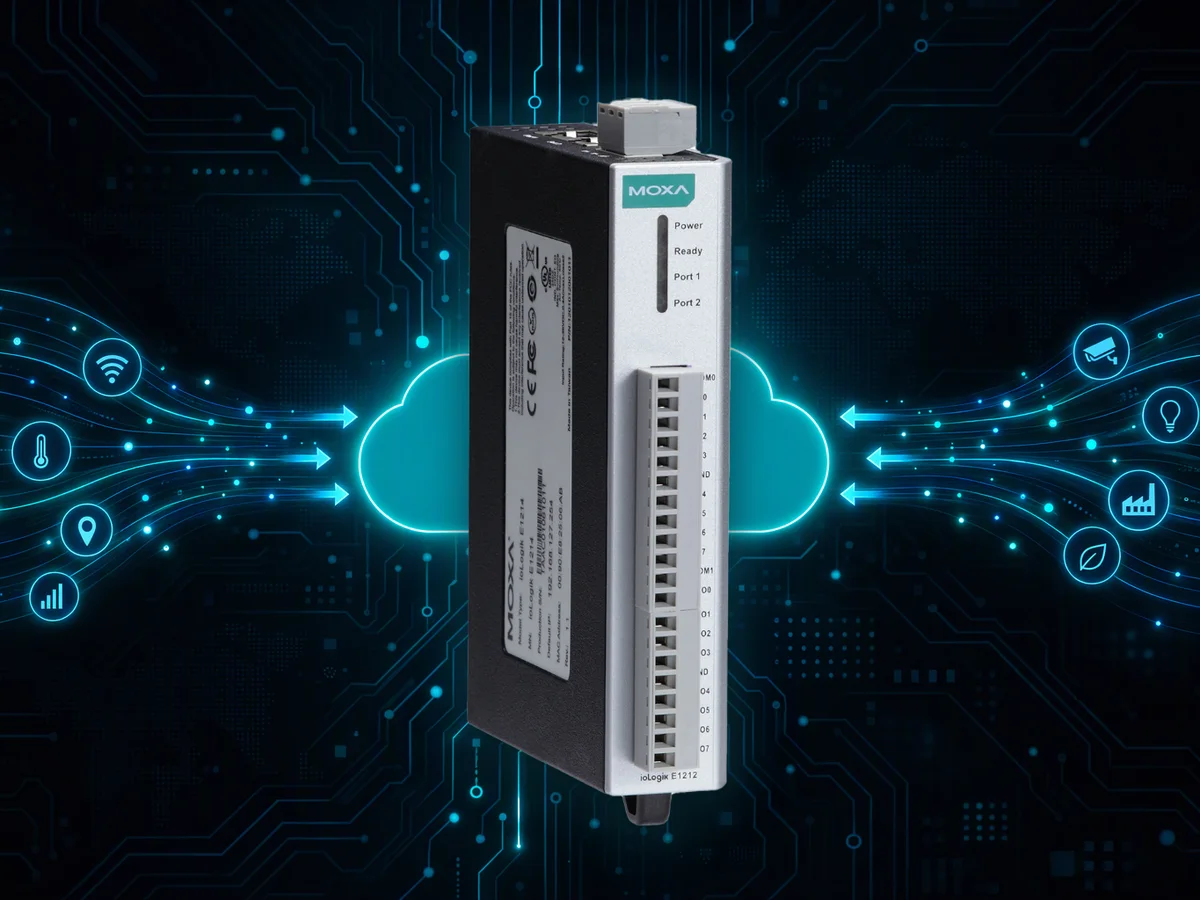
MoxaIoT-2-PrintVis Adapter Moxa app icon

1Vision IoT-2-PrintVis Adapter – Moxa

Connects Moxa devices to PrintVis, for example from the ioLogik E1200 series. It translates Moxa messages into input values with unit and timestamp. This adapter is the successor of the former Moxa-2-PrintVis app and works on the push principle: devices send, Business Central does not poll.

Requirements

Good to know

Publisher
1Vision365
Business Central
Version 28.0 or later
Requires
PrintVis 28.0 or later, 1Vision IoT Link, and a device adapter (Moxa or ifm moneo)
Licensing
Counted per PrintVis CIM device. See AppSource for current plans.
Foundation

Built on IoT Link

IoT Link receives the device messages through Azure and routes them. The Connector and adapters sit on top of it.

Contact

Machines that should talk to PrintVis?

Tell us which machines and devices you have. We will tell you what the Connector can show on your job ticket.

info@1vision365.com